
Building a Framework: Start Here
A framework sets out the positions in a team and the skills expected at each level. Each team has one framework. This page shows the ways to build one and the usual order of steps, with links to the detail.
Choose how to start
Generate it with AI. Admins can draft frameworks for several teams at once. See Generating a framework with AI.
Use the setup guide. Admins can set up a team, its levels, skills and people in one guided flow. See Setting up a team with the setup guide.
Start from a template or a copy. See Creating a team.
Build it by hand, following the steps below.
However you start, you can refine the result using the steps below.
Build your framework
Create a team. Only admins can create teams. See Creating a team.
Add tracks for each career path, such as individual contributor and management. See Tracks.
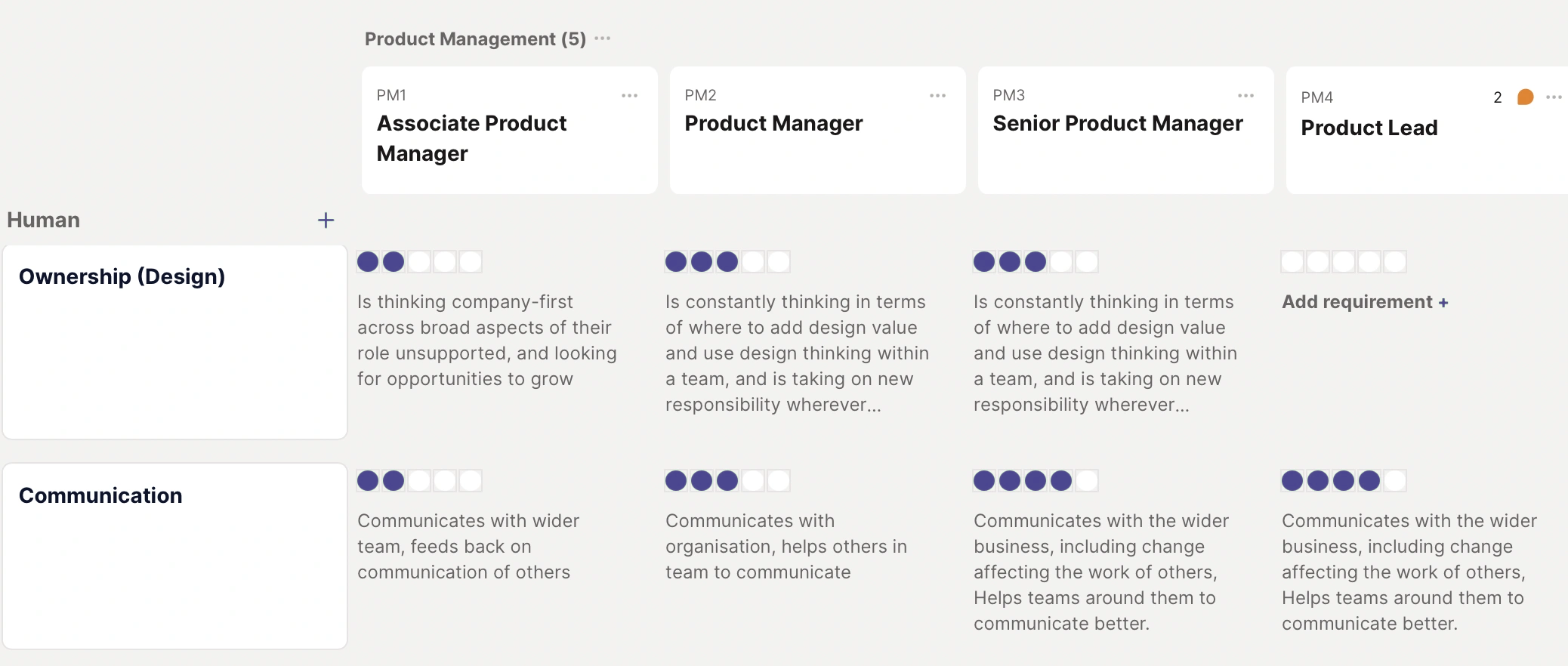
Add positions to each track and set their seniority. See Positions.
Add skills, group them into categories, and set the level each position needs. See Adding skills and Skill categories.
Review it together. Add editors who know the team, and use comments to collect their feedback. See Roles and permissions and Comments on positions and skills.
Publish. Keep the team In Progress while you build. When it's signed off, select Publish team in the draft banner at the top of the team. Everyone in your organisation can then see it. On the free plan you can't publish a team. You need to upgrade first. See Publishing and sharing your framework.
Invite people. People whose position is in a draft team can't see it until you publish it, so invite them once it's live. See Adding people.
Tip
Build one position fully, then duplicate it from its ... menu and change only the skill levels.
Live (Public)
Live (Public) shares the framework on the internet. If your organisation is also set to public, anyone can see your organisation's name, logo and framework without logging in. Only choose it if you mean to.
Frequently asked questions
Who can build a framework?
Only admins can create teams. Admins and the team's editors can then build and publish its framework.
How do I change a live framework without disrupting people?
Copy the team, edit and publish the copy, then move people across. See Copy an existing team.
Can I download a whole framework?
Not as one file. You can download a single position as a CSV or PDF from its...menu.